QA and testers
Writing the same repro steps for the third time this week.
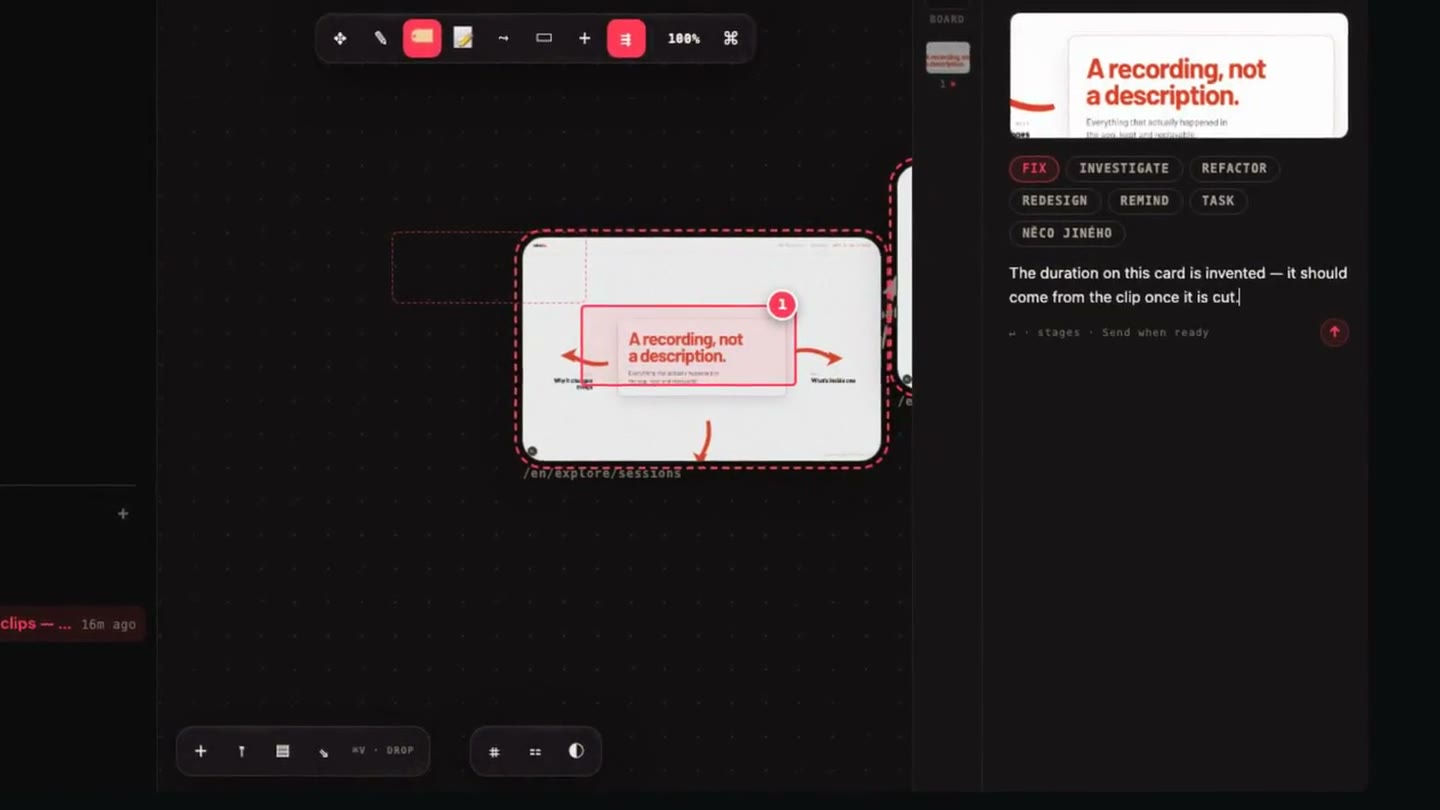
Circle what is wrong on the screen and say one sentence. The recording, the network log and the console go with it.
Run the loop yourselfCircle what looks wrong, say one sentence, move to the next case. The repro steps write themselves.
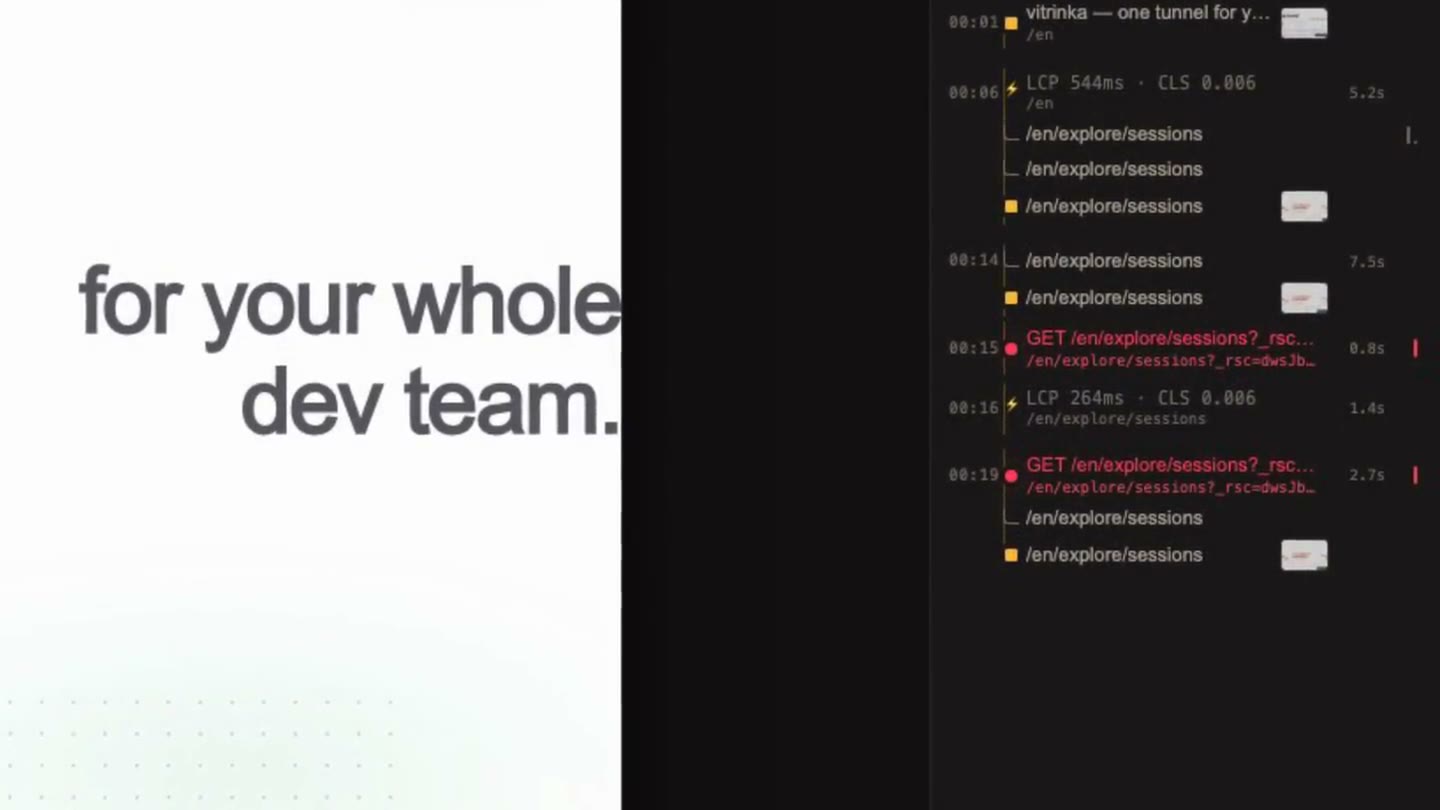
The frozen frame, the DOM replay, the failing request and the branch — waiting for you before you open the editor.
The board is the status report, and it writes itself while the work happens.
Open any compartment
The whole loop, in one take
A tester circles what looks wrong. An agent picks it up, fixes it, and hangs the after-shot beside the original. No repro steps in between.
0:31Who is on the other end
The same board is read differently by each of them — nobody has to learn the others' tools.
Which one are you?
Writing the same repro steps for the third time this week.
Circle what is wrong on the screen and say one sentence. The recording, the network log and the console go with it.
Run the loop yourself“Cannot reproduce — works on my machine.”
You get the frozen frame, the DOM replay, the failing request and the branch it happened on, before you open the editor.
What lands on a boardA status meeting to find out what actually shipped.
Boards, reports and diagrams update themselves as the work happens. A browser link is the whole onboarding — no install, no seat to buy, nothing to learn.
See what a board holdsLook inside the vitrína
01
02
03
04
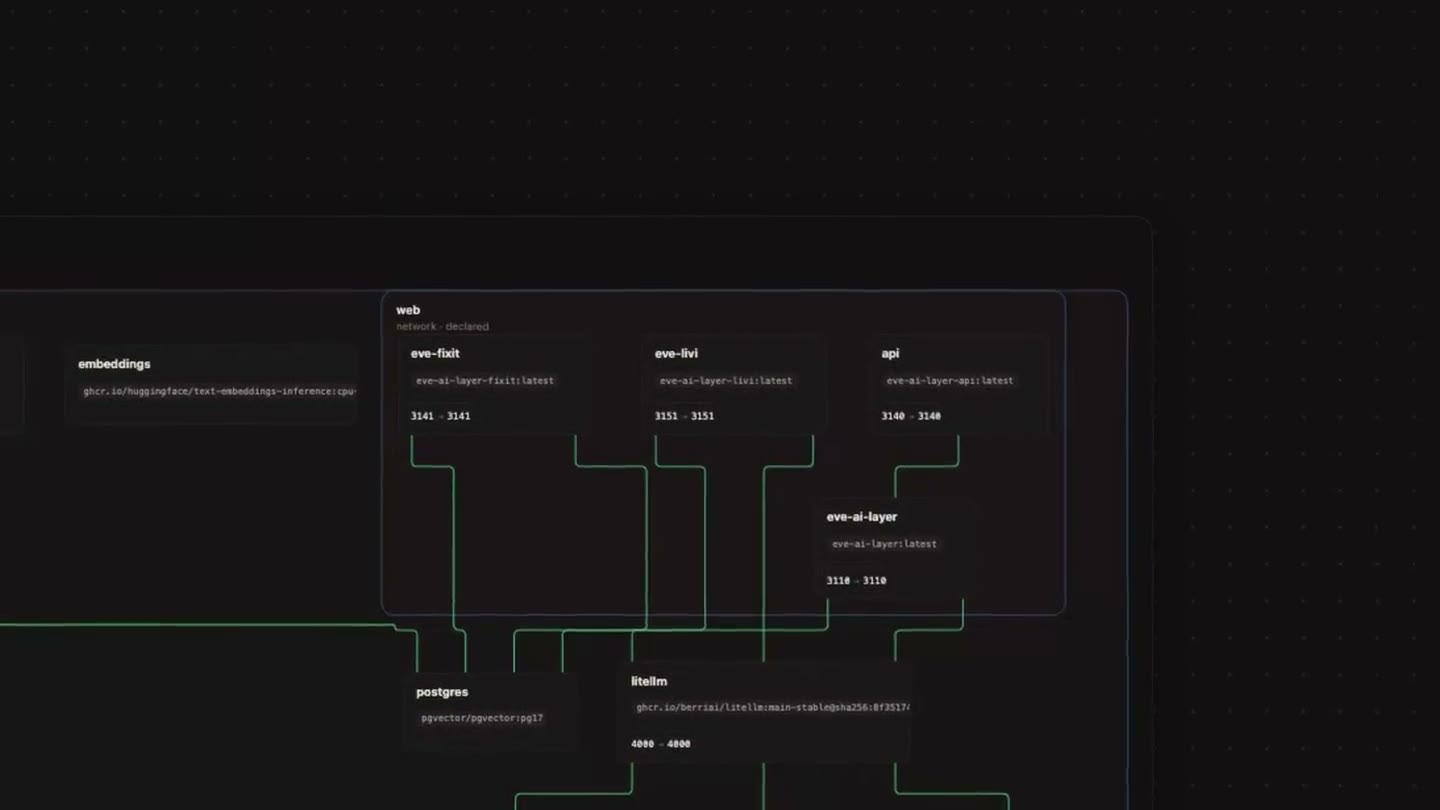
Architecture drawn from your real configuration, not from memory.
Drawn from your real config05
Reports and pages an agent wrote, live on the canvas and still true next month.
Reports and pages that stay live06
Try it as a tester
Turn it on and do it yourself. This is the whole loop — nothing is hidden behind a sign-up.
Try it as a developer
Report something on this mock the way your tester would, then read what the work item actually carries. That is what you would have been handed.
Try it as a PM
This is the whole trail you would read later: who found it, what they saw, what changed. No one wrote a status update to produce it.
 Ceramic mugSand · 350 ml320 Kč
 Pour-over kettleMatte steel808 Kč
 Filter papersSize 02 · 100 pcs120 Kč
SPRING10Promo appliedAnd the people who use what you ship
A small “report a problem” widget that lives inside your product. Your customer circles what looks wrong and says one sentence — your team gets the session that produced it, on the same board as everything else.
It is already part of your product. No account, no download, nothing to learn — the person reporting never sees vitrinka at all.
The screen, the console and the failing request are attached by the widget, not typed out by an annoyed customer who has stopped caring.
The report arrives as a work item beside the ones your own testers file, with the same thread and the same evidence attached.
Where it sits
Vitrinka carries the evidence and the conversation about it. Everything else stays where your team already keeps it.
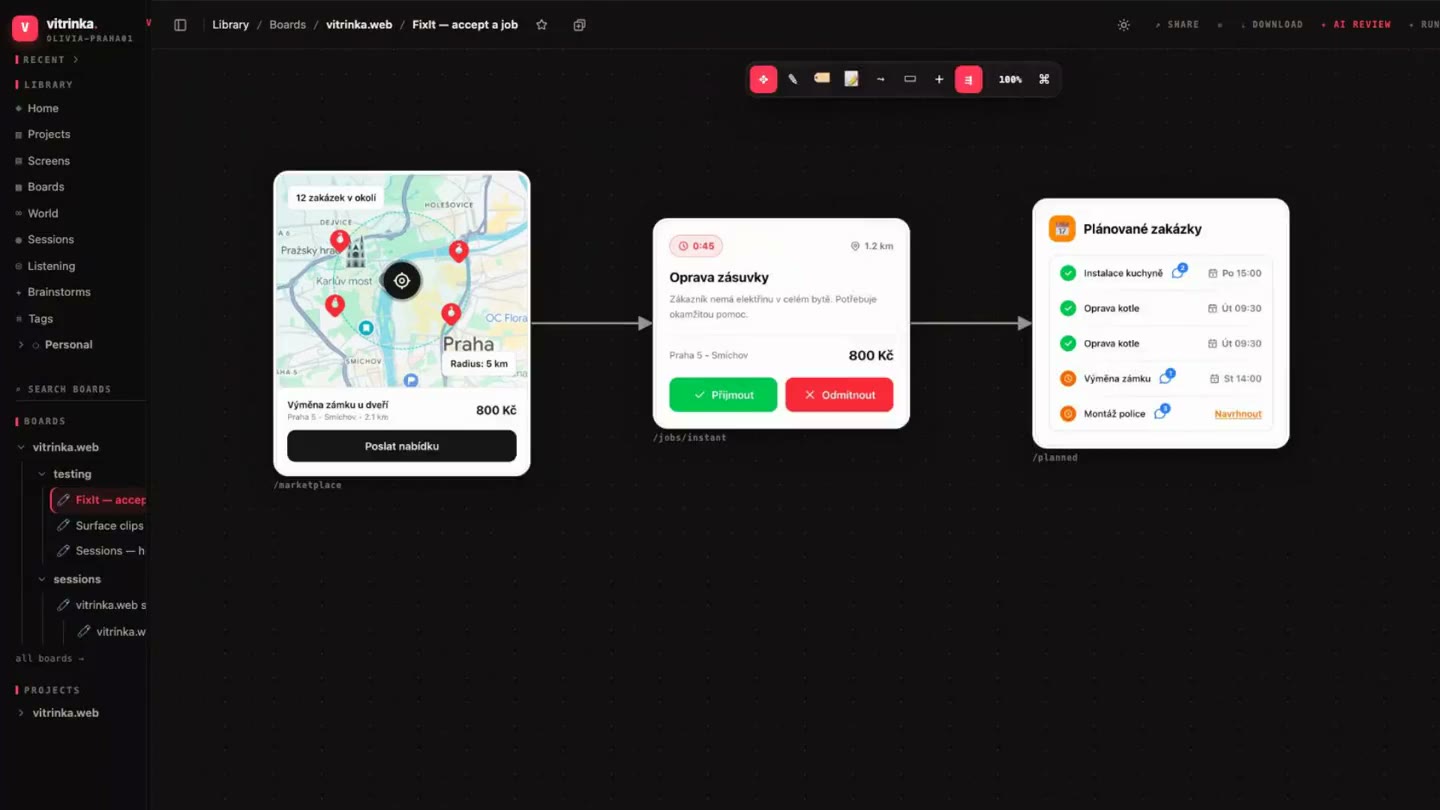
What goes on a board
Short clips, one per surface. Swipe through them.
Where your work lives
Nothing about this needs to leave your infrastructure.
no outbound calls
What it costs
No charge per board, per screenshot, per annotation, or per bug your tester finds.
Free
$0
1.5 GB or 100 boards, 5 seats. No card.
Pro
$12
Per month. More storage, more seats, AI credits.
Team
$39
Per month. The shared workspace for a whole squad.
Enterprise
Custom
SSO, RBAC, self-hosting and air-gapped installs.
Measured, not estimated
Before you ask
No. A board is a link — open it in a browser, draw on the screenshot, type the sentence. Installing anything is only for the people whose agent does the fixing.
No, and it is not trying to. The ticket stays in your tracker; vitrinka holds the evidence and links back to it. Teams usually keep both and stop pasting screenshots into comments.
It still works as a screenshot library, a session recorder and an annotation canvas. The agent loop is one more listener on the same queue — you can turn it on later, or never.
A compact digest of the session — around 1% of the raw event stream. A 55-minute, 6,010-event recording comes out at about 76,000 tokens, so a whole test session fits in one prompt.
Wherever you put the binary. SQLite for metadata, your own disk or S3-compatible bucket for the files, and an air-gapped mode for networks that never reach the internet.
One npm install and one command. vitrinka install prints what is missing, fixes the harmless parts itself, and asks before touching anything in your config.
Start
The whole install is one package with two binaries — the CLI and an MCP server. Re-runnable, reversible, and it asks before it edits a config file.
npm i -g @lovinka/vitrinkaThe CLI and the MCP server, one package.vitrinka installStatus-first: it shows the ✓/✗ table, then asks only about the config-touchers./vitrinka:listenIn your app's repo — the session starts answering the board's work queue.Health check any time with vitrinka doctor. Remove everything with vitrinka uninstall.